Body
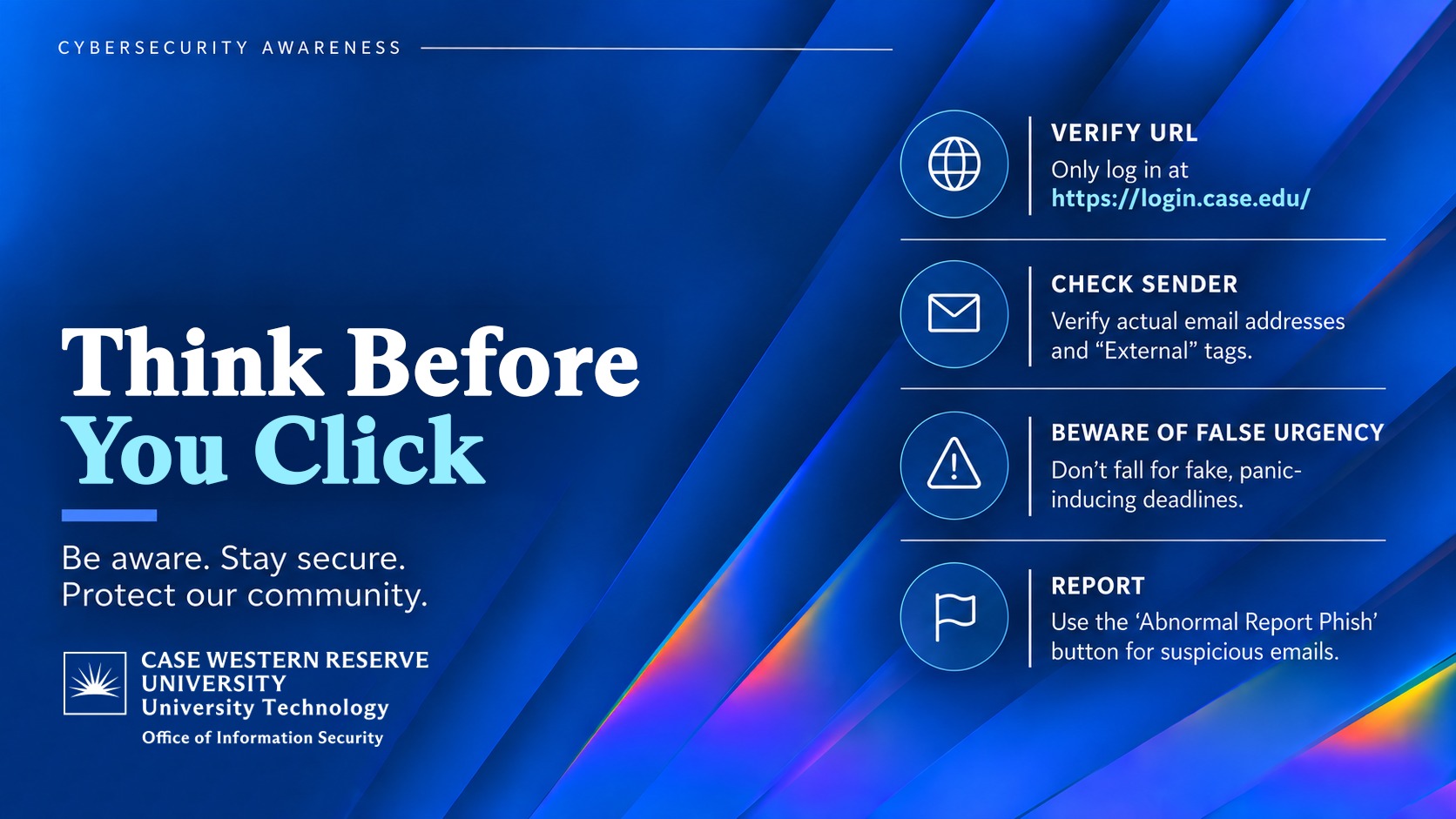
Follow these simple steps to deploy Information Security's 2026 Cybersecurity Awareness Lock Screen to your endpoints.
1. Log into Group Policy Management
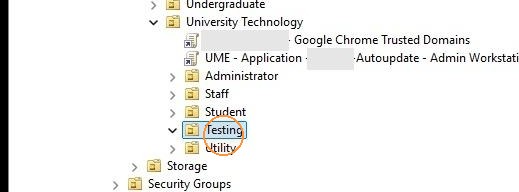
2. Identify an organizational unit to deploy the lock screen to. Then Right click on the organizational unit.
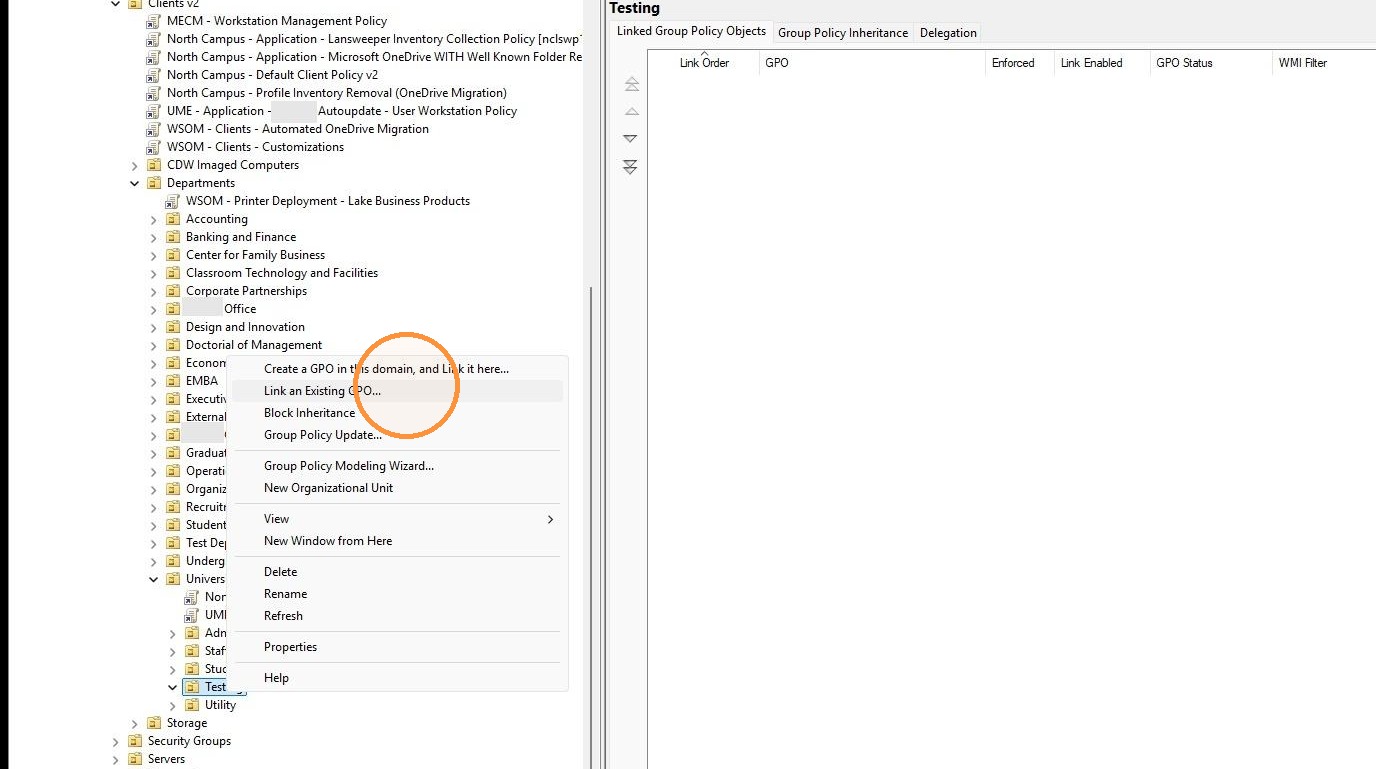
3. Select "Link an Existing GPO..." in the menu
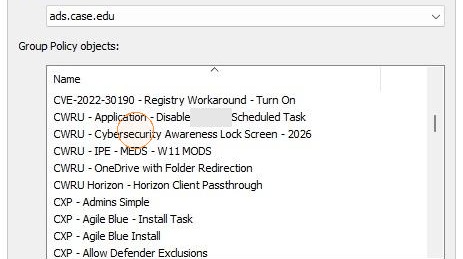
4. Click "CWRU - Cybersecurity Awareness Lock Screen - 2026"
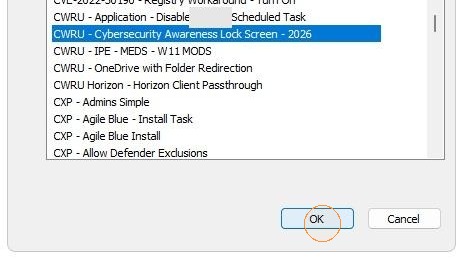
6. The next time group policy is refreshed and/or when the computer is restarted, the 2026 Cybersecurity Awareness Lock Screen should be present